Download
YouTube Music app for Mac
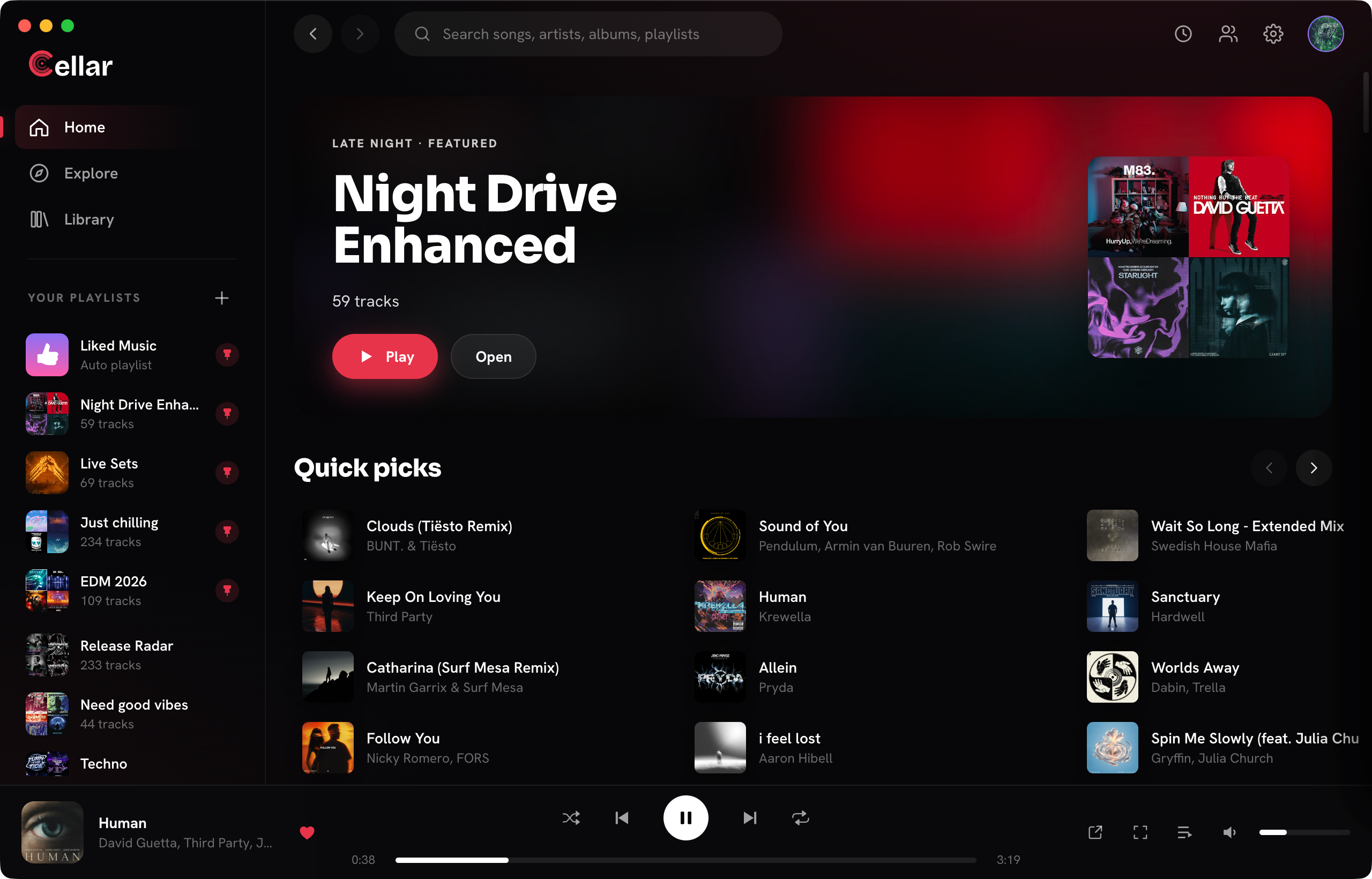
Google does not make a YouTube Music app for macOS, only the website. Cellar is a free desktop app that signs in to your YouTube Music account and plays your library in its own window.
Free for macOS (Apple Silicon), Windows, and Linux. Needs a YouTube Music account.
Requirements
- A Mac with Apple Silicon (M1 or newer). Intel Macs are not supported yet.
- macOS 13 Ventura or newer.
- A Google account with YouTube Music.
Install
- Click Download for Mac to get the .dmg.
- Open it and drag Cellar into Applications.
- Open Cellar and sign in with Google. Sign-in happens on Google's own page in a native WebKit window, so Cellar never sees your password.
Cellar is signed and notarized by Apple, so it opens without security workarounds. It updates itself: when a new version is out, Cellar installs it at launch and reopens on its own.
Made for the Mac
- Media keys and the Now Playing widget in Control Center.
- Cmd+Shift+M pops out the always-on-top mini player.
- Cmd+K opens a command palette for your library, search and quick commands.
- Cmd+[ and Cmd+] go back and forward, as in Finder.
Questions
Is there an official YouTube Music app for Mac?
No. Google offers YouTube Music on the web and as phone and tablet apps. On a Mac you can save the website as a web app, or use a desktop client such as Cellar.
Does Cellar run on Intel Macs?
Not yet. The Mac build is for Apple Silicon (M1 or newer) only.
Cellar works with a free or Premium YouTube Music account. YouTube Premium perks (including ad-free listening) stay with Google. Cellar is an independent project and is not affiliated with, or endorsed by, YouTube or Google.