Playlist folders
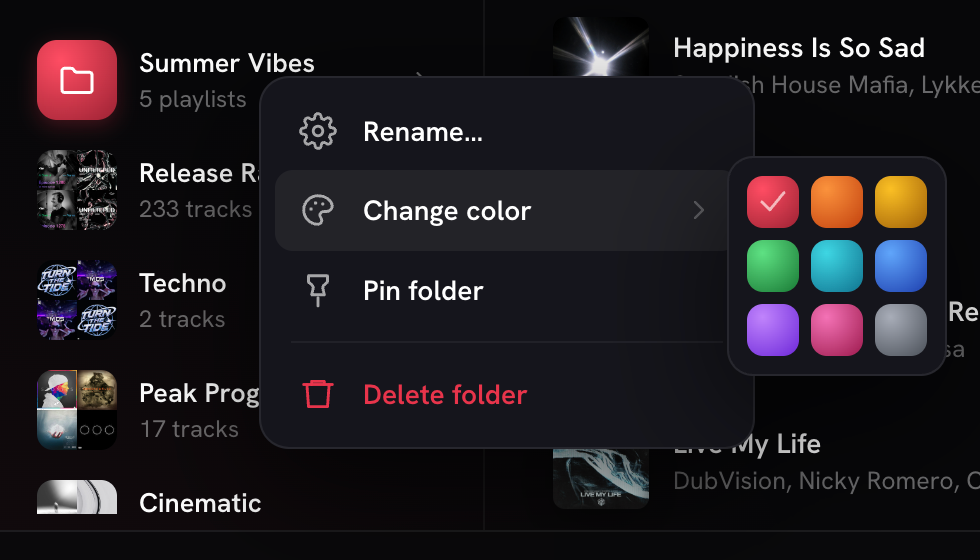
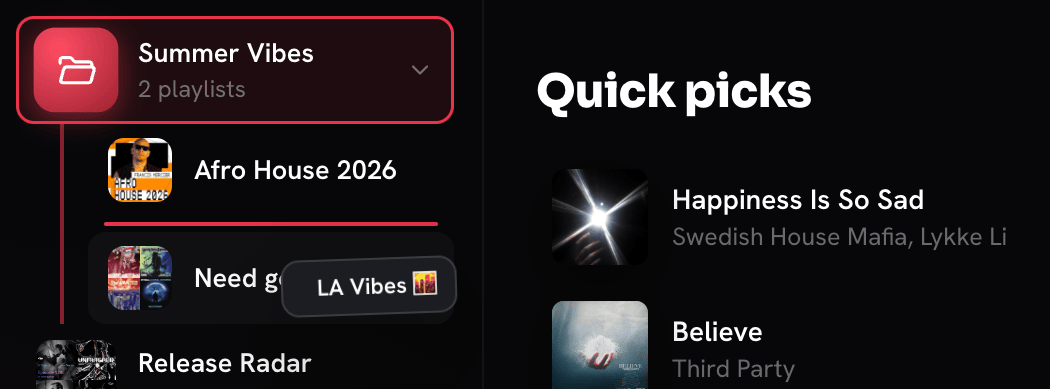
Keep playlists nested and tidy. Something YouTube Music doesn't give you.
More about playlist folders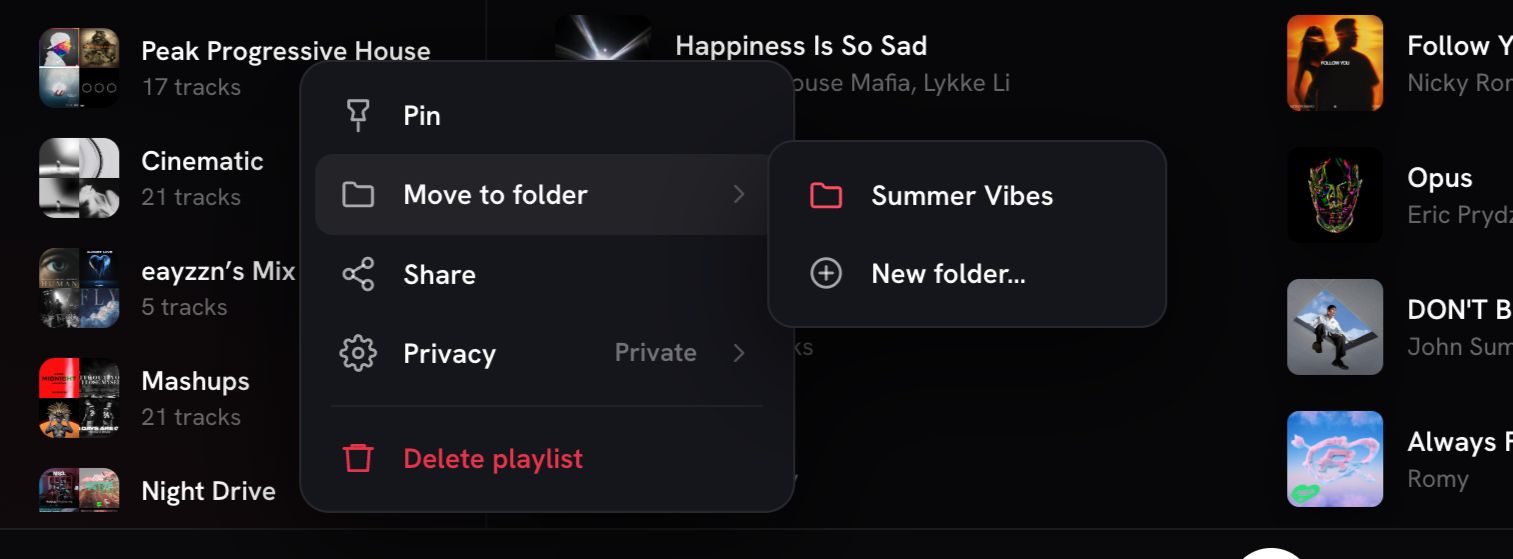
Desktop · Free
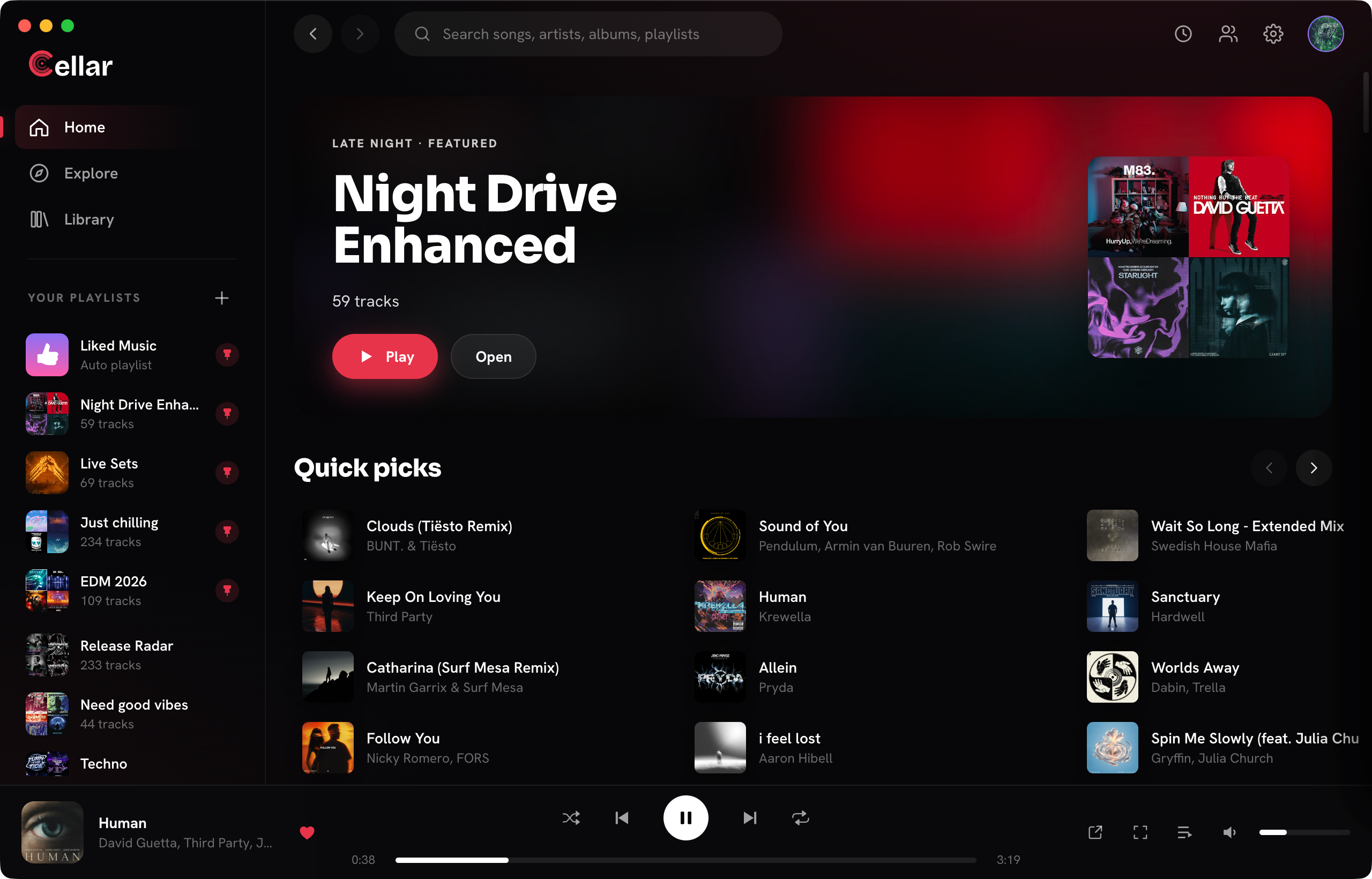
Built for people who live in their library. Sign in with your account, hit play, stay in the music.
Free for macOS (Apple Silicon), Windows, and Linux. Buy a coffee if you want to help.
Features
Four moments that show why Cellar belongs on your desktop. See every feature.
Keep playlists nested and tidy. Something YouTube Music doesn't give you.
More about playlist foldersA player surface built for the track you are in, with Crossfade when you want the mix to breathe.
Crossfade and gapless playback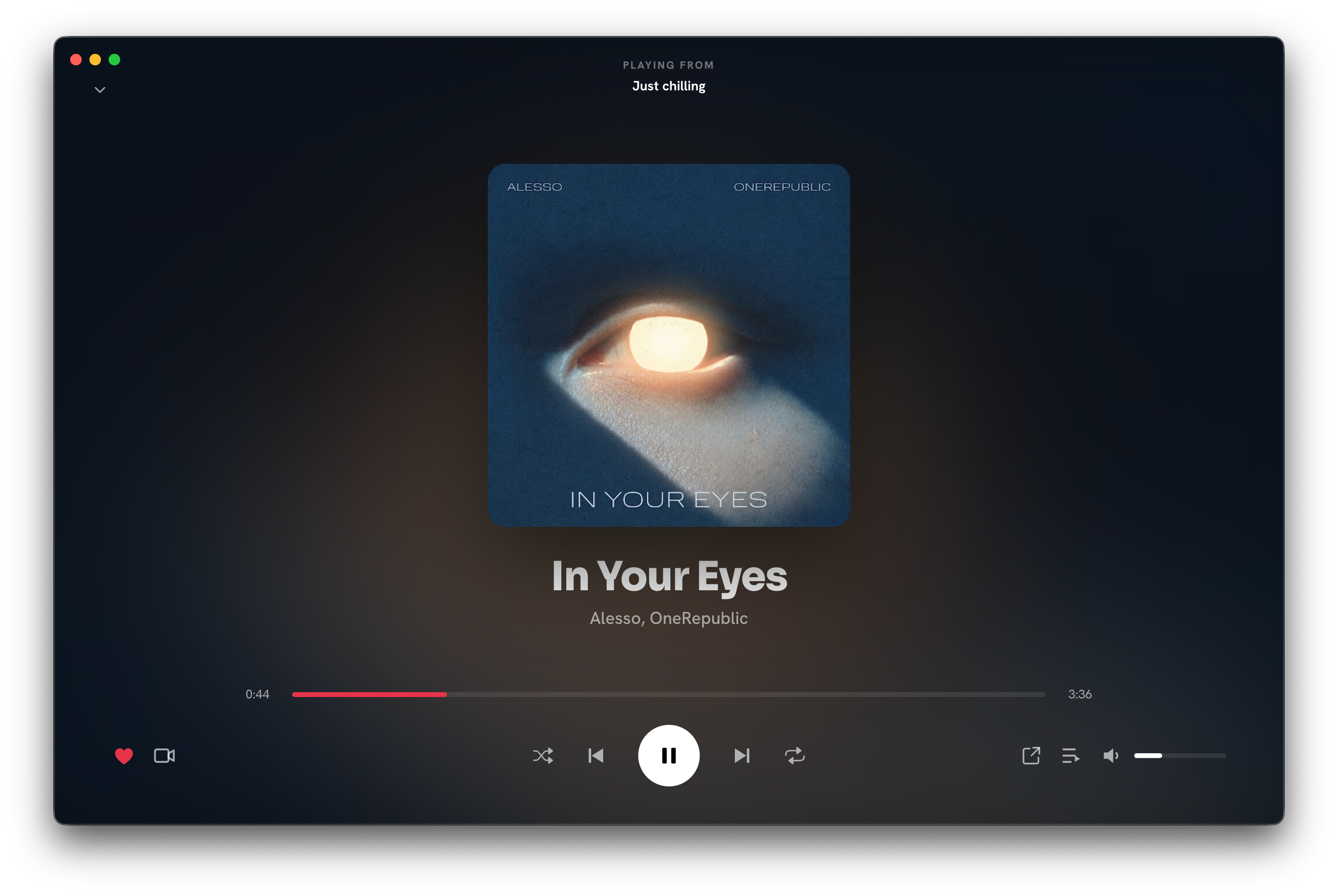
Invite friends, stay in sync, and keep the recap when the night wraps.
How Listening Parties work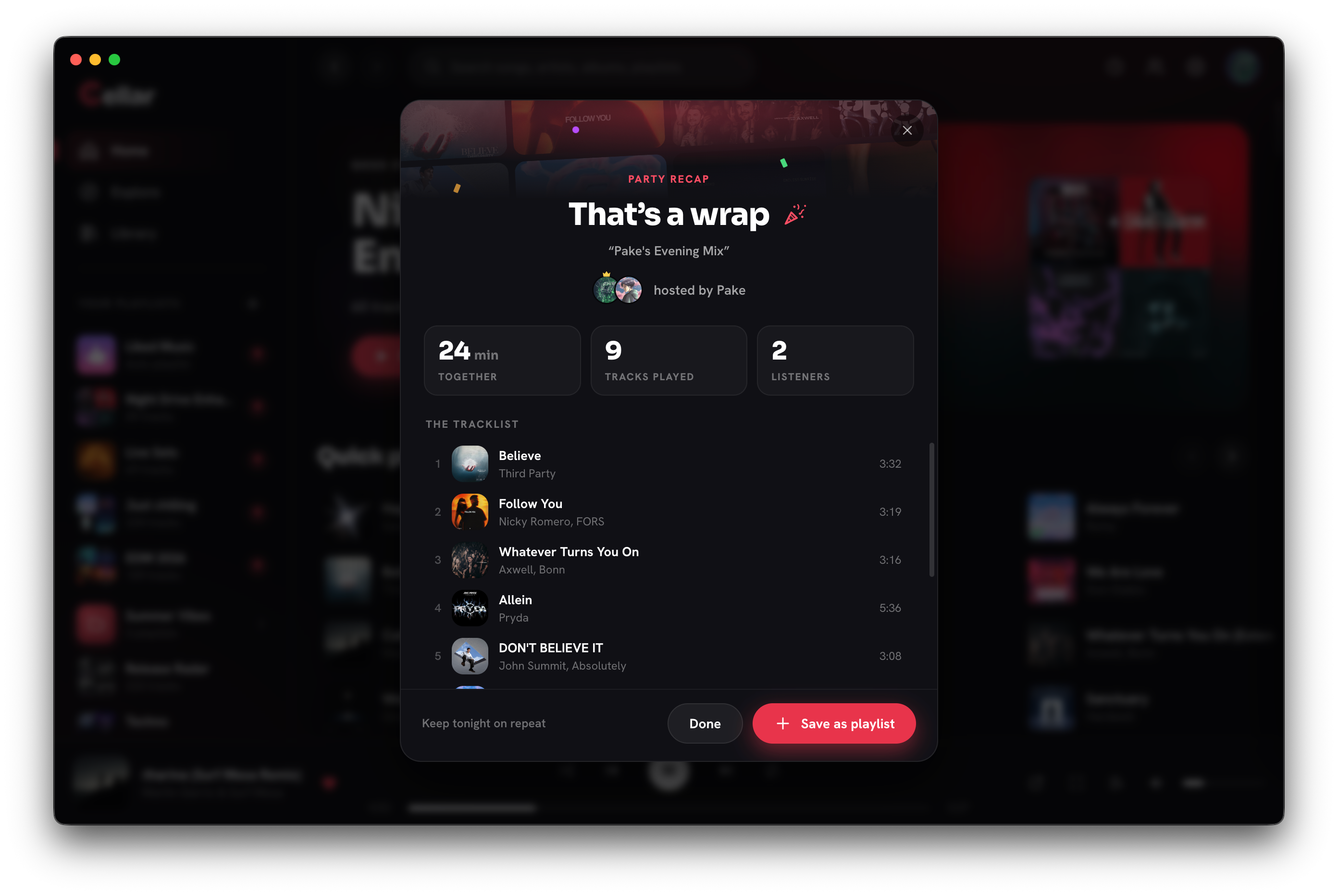
Listening time, top songs, top artists and streaks on a profile that is always up to date. Not just once a year.
See what the profile shows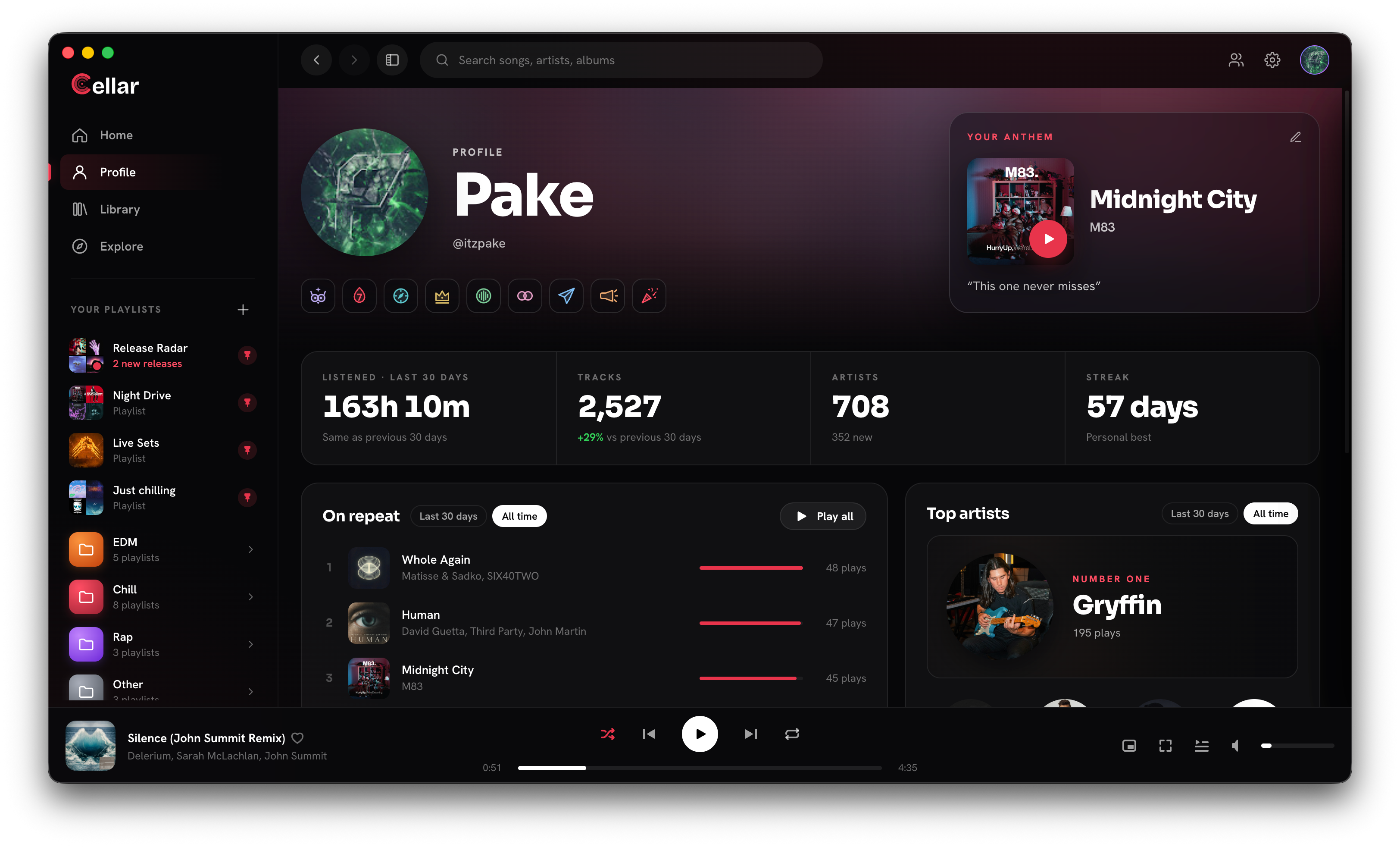
Compare
The extras YouTube Music doesn't ship on desktop, plus a clear line on what still belongs to Google.
Cellar works with a free or Premium YouTube Music account. YouTube Premium perks (including ad-free listening) stay with Google.
Get Cellar
macOS (Apple Silicon), Windows, and Linux. A coffee is optional if you want to help.
The app
The desktop client, no subscription. Sign in with your YouTube Music account and play.
DownloadOptional
A coffee goes toward development and the servers that keep playback working. Never required, always appreciated.
Buy me a coffeeFAQ
Cellar is a desktop music client for YouTube Music. You sign in with your own account and get a real app instead of a browser tab.
No. Cellar works with a free YouTube Music account and with a Premium one. Sign in with whichever you already have, no upgrade needed. If you do have Premium, its perks (like ad-free listening and higher-quality audio) are tied to your Google account and stay with Google. Cellar doesn't add or remove them.
Yes. Cellar is free to download and use on macOS (Apple Silicon), Windows, and Linux. There is no subscription. Optional coffees help development and cover server costs. They are never required, and they are much appreciated.
macOS 13 or newer on Apple Silicon (M1 or newer), Windows 10 or newer, and Linux. Intel Macs are not supported yet. Cellar is a desktop app. No phone install is required to download or use it.
Discord Rich Presence, Last.fm and Libre.fm scrobbling, listening stats on your own profile, playlist folders, a Release Radar for artists you follow, Listening Parties with friends, an always-on-top mini player, and crossfade and gapless playback. Your library, likes and playlists stay the same as on YouTube Music.
No. You sign in on Google's own page, in a real browser, and Cellar never sees your password. Your session stays on your computer; a minimized part of it is sent to Cellar's server only to start playback. The privacy policy has the details.
No. Cellar is an independent project and is not affiliated with, or endorsed by, YouTube or Google.
Buy me a coffee is optional. Tips go through Ko-fi and help fund development and the servers behind playback. A download never depends on a tip. If you need help with a coffee, email support@cellar.fm.
Email support@cellar.fm.