Feature
Crossfade and gapless playback for YouTube Music
Live albums, DJ mixes and concept records are meant to flow from one track into the next. Cellar plays them that way, and can blend everything else with a crossfade.
Free for macOS (Apple Silicon), Windows, and Linux. Needs a YouTube Music account.
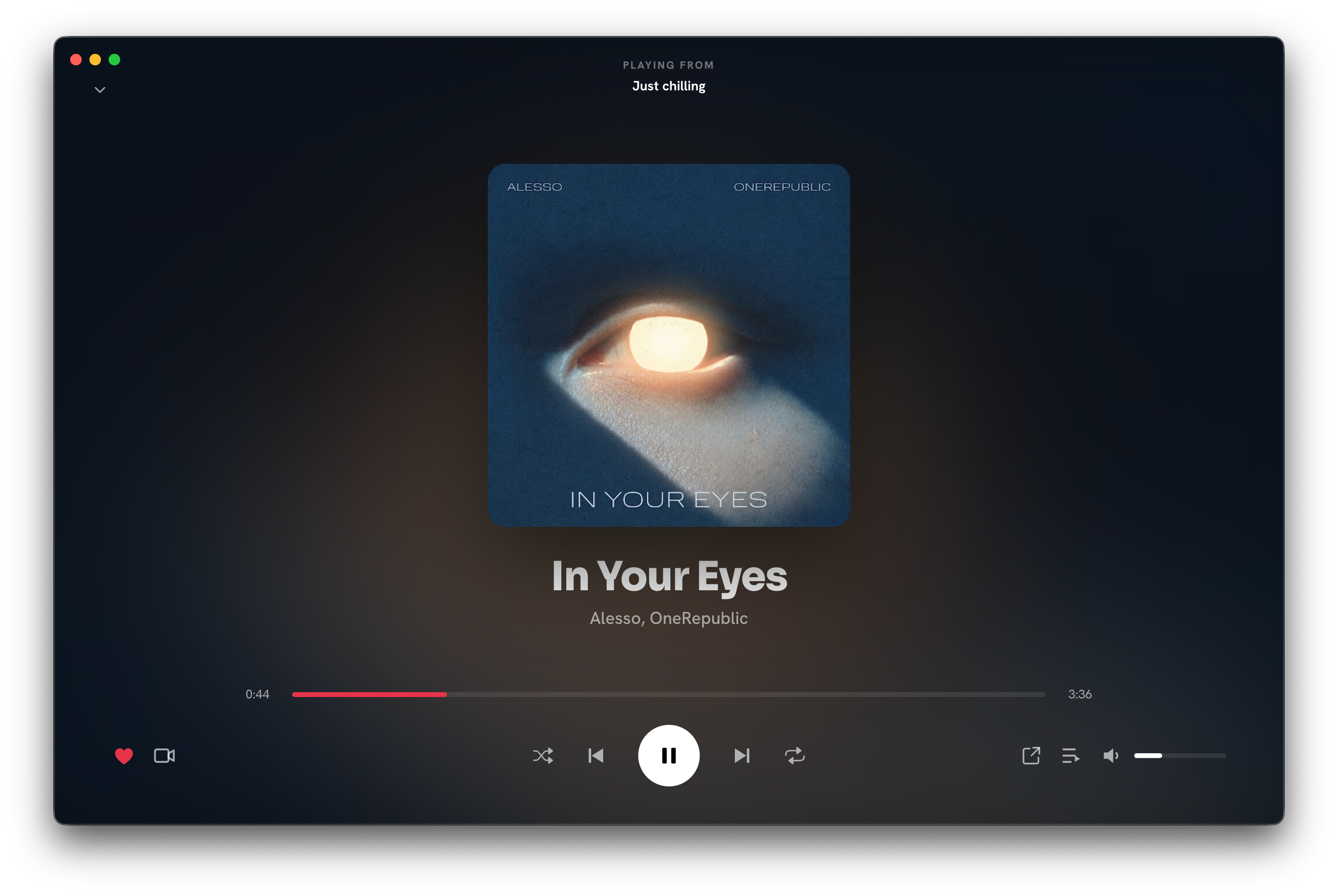
Gapless by default
With Crossfade off, Cellar plays each track straight into the next with no silent gap and no blend, including the wrap from the last song back to the first on repeat. Skipping by hand is still an instant cut.
Crossfade when you want it
Switch on Crossfade in Settings and set the overlap anywhere from 1 to 12 seconds. The end of each track fades into the start of the next.
Even volume, endless queue
- Normalize volume plays every track at the same level, so a quiet old recording does not follow a loud new master at a jump in volume.
- Autoplay keeps the music going with similar tracks when your queue runs out.
- Start a radio from any song, album or playlist.
Questions
Does YouTube Music have crossfade on desktop?
The YouTube Music website has no crossfade setting. Cellar adds crossfade, gapless playback and volume normalization on macOS, Windows and Linux.
Is playback gapless?
Yes. With Crossfade off, tracks play into each other with no gap, which is what live albums and DJ mixes need.
Cellar works with a free or Premium YouTube Music account. YouTube Premium perks (including ad-free listening) stay with Google. Cellar is an independent project and is not affiliated with, or endorsed by, YouTube or Google.